AMD Made It Better
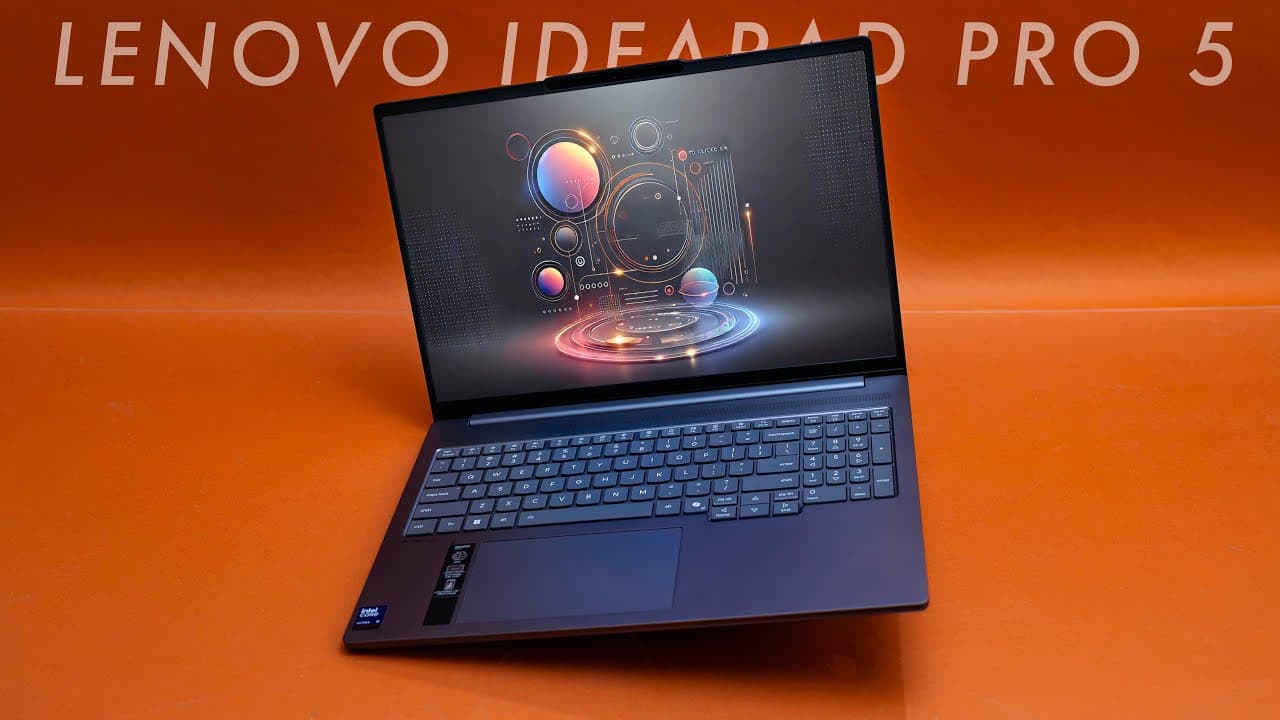
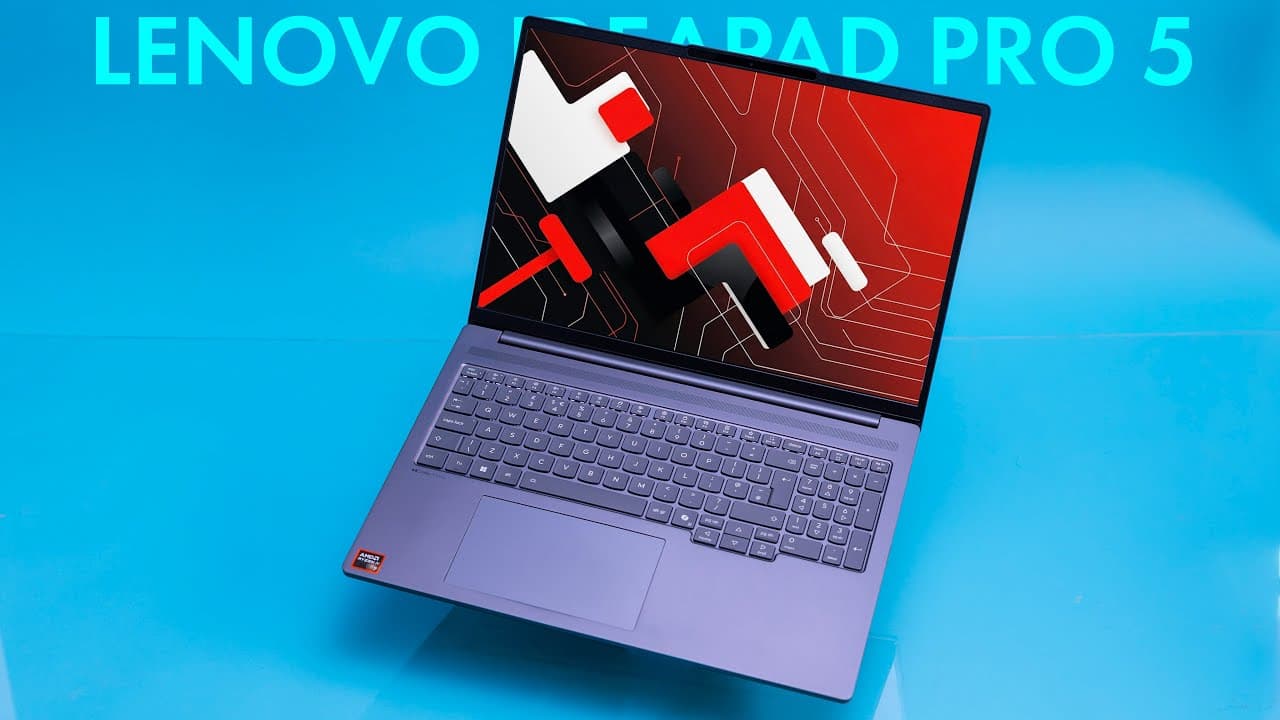
The budget creator laptop segment is crowded. Most make compromises - dim displays, integrated graphics only, plastic builds. The Lenovo IdeaPad Pro 5 (AMD, 2025) at $1,199 with AMD Ryzen AI 7 350, NVIDIA RTX 5050, and a gorgeous 14-inch OLED 2.8K display proves AMD made it better.
Great value, excellent display, and the RTX 5050 adds genuine creative capability.
Performance: AMD Ryzen AI 7 350 + RTX 5050
The AMD Ryzen AI 7 350 is AMD's mid-tier creator-focused processor.
CPU Performance
The Ryzen AI 7 350 delivers:
- Strong single-core: Responsive for everyday use
- Excellent multi-core: Handles video encoding and multitasking
- AI acceleration: NPU for AI-enhanced workflows
- Great efficiency: Better battery life than Intel equivalents
AMD's Zen 5 architecture provides excellent performance-per-watt.
RTX 5050: Budget Creator GPU
The NVIDIA RTX 5050 accelerates creative applications:
Content Creation:
- Lightroom: RAW processing smooth, AI features accelerated
- Photoshop: GPU acceleration for filters, neural filters responsive
- Premiere Pro: 1080p editing smooth, 4K works with optimized codecs
- DaVinci Resolve: 1080p color grading excellent, 4K requires patience
- Blender: RTX cores speed up Cycles rendering
The RTX 5050 isn't flagship performance, but it's dramatically better than integrated graphics for creative work.
Light Gaming (Bonus):
- Fortnite: 70-90 FPS Medium (1080p)
- League of Legends: 90-120 FPS High
- Indie games: Excellent performance
- AAA games: Low settings required
The 16GB DDR5 RAM is adequate for creative work. Power users editing large files might want 32GB. The 512GB PCIe 4.0 SSD is fast but small - budget for external storage or upgrade.
Display: Gorgeous OLED 2.8K
The 14-inch OLED display with 2.8K (2880x1800) resolution is the star:
- Resolution: 2.8K provides excellent sharpness
- OLED: Perfect blacks, infinite contrast, vibrant colors
- Brightness: 400 nits (good for OLED)
- Color coverage: 100% DCI-P3 (professional-grade)
- Refresh rate: 60Hz (prioritizes color over gaming)
- Contrast: Infinite (OLED) - Light productivity: 13-15 hours
- Photo editing: 10-12 hours
- Video editing: 7-9 hours
- Video playback: 14-16 hours - Under light load: Cool and quiet
- Under photo editing: Warm, fans barely audible
- Under video rendering: Fans work but controlled
Premium Display at Budget Price
At $1,199, this OLED display is exceptional value:
- Perfect blacks make dark scenes stunning
- Vibrant colors pop in photos and videos
- Professional color accuracy for creative work
- HDR support provides proper highlight detail
For Creators:
- Photo editing: Accurate colors, perfect shadow detail
- Video editing: Great for color grading
- Design work: DCI-P3 coverage suitable for professional use
Burn-in Warning: OLED panels risk burn-in. Use dark themes, enable screen savers, vary content.
Build Quality: Aluminum at Budget Price
At 3.3 lbs (1.5 kg), the IdeaPad Pro 5 is typical for 14-inch. The aluminum chassis is notable at this price.
Design Language
Lenovo's design is understated:
- Aluminum lid and deck
- Luna Grey color
- Minimal branding
- Professional appearance
It looks more expensive than $1,199.
Build Impressions
The build quality is solid:
- Aluminum feels premium
- Minimal flex
- Quality materials for the price
- Well-assembled
This doesn't feel like a budget laptop.
Keyboard and Trackpad
The keyboard offers:
- 1.5mm key travel (comfortable)
- Backlit keys (white LED)
- Good typing experience
- Centered keyboard (no number pad for better ergonomics)
The large trackpad features Windows Precision drivers with good tracking.
Port Selection
Adequate connectivity:
- 2× USB-C (one Thunderbolt 4)
- 2× USB-A 3.2
- 1× HDMI 2.1
- 1× SD card reader (microSD)
- 1× 3.5mm headphone jack
MicroSD instead of full-size is disappointing for photographers. Otherwise solid port selection.
Battery Life: All-Day Creative Work
The 84Wh battery is generous for this price and size:
AMD's efficiency and the large battery deliver all-day battery life. For a laptop with discrete GPU and OLED display, these numbers are exceptional.
Charging
65W USB-C charging. Full charge in about 2 hours.
Thermal Management
Budget laptops often have poor thermals. The IdeaPad Pro 5 surprises:
AMD's thermal efficiency helps. The cooling keeps the RTX 5050 from throttling during creative work.
AMD vs Intel Version
Lenovo offers both AMD and Intel versions. AMD advantages:
- Better multi-core performance
- Better battery life (2-3 hours more)
- Better value (similar performance, lower price)
- Cooler operation
Intel advantages:
- Thunderbolt 4 on more ports
- Slightly faster in single-core tasks
For most creators, AMD is the better choice.
Lenovo Vantage Software
Lenovo's software provides:
- Performance modes (battery saver, balanced, performance)
- Display color profiles
- Battery conservation (extends battery lifespan)
- System monitoring
It's lightweight and functional.
Who Should Buy This?
The IdeaPad Pro 5 (AMD) is perfect for:
- Budget-conscious creators who need OLED and GPU
- Students studying creative fields
- Photographers who want accurate color portably
- Video editors working with 1080p content
- Anyone who wants premium display at budget price
Skip it if you:
- Need maximum GPU power (RTX 5070+ for pro work)
- Want 32GB+ RAM
- Prefer 16-inch displays
- Need maximum storage (512GB is limiting)
Comparison to Competitors
vs ASUS VivoBook Pro:
- IdeaPad Pro 5: Better battery, AMD efficiency
- VivoBook Pro: Similar specs, comparable value
vs HP Envy 14:
- IdeaPad Pro 5: RTX 5050, better value
- HP Envy: More premium build, higher price
vs MacBook Air M4:
- IdeaPad Pro 5: OLED display, discrete GPU, Windows
- MacBook Air: Better battery, macOS, fanless
The IdeaPad Pro 5 offers the best OLED-display-plus-GPU value.
Value Analysis
At $1,199, you get:
- AMD Ryzen AI 7 350
- NVIDIA RTX 5050
- 14-inch OLED 2.8K display (100% DCI-P3)
- 16GB DDR5 RAM
- 512GB NVMe SSD
- 84Wh battery
- Aluminum chassis
Competitors charge $1,500-1,800 for similar specs. The IdeaPad Pro 5 is exceptional value.
Upgrade Path
The IdeaPad Pro 5 offers some upgradeability:
- RAM: Two SO-DIMM slots (can upgrade to 32GB)
- Storage: M.2 slot (can upgrade to 1TB or 2TB)
For budget buyers who want to upgrade over time, this flexibility is valuable.
Verdict
The Lenovo IdeaPad Pro 5 (AMD, 2025) proves that AMD made it better. The AMD Ryzen AI 7 350 delivers excellent performance and battery life. The NVIDIA RTX 5050 accelerates creative applications. The OLED 2.8K display with 100% DCI-P3 coverage is stunning.
At $1,199, this is exceptional value. The 84Wh battery delivers all-day creative work. The aluminum chassis feels premium. The 16GB DDR5 RAM handles most workflows (upgradeable to 32GB).
Is it perfect? No. The 512GB storage is limiting (upgradeable). The microSD reader instead of full-size SD is disappointing. The RTX 5050 is entry-level for GPU performance.
But for budget-conscious creators who want an OLED display, discrete GPU, and all-day battery life, nothing competes at this price. The IdeaPad Pro 5 is the best value in the budget creator laptop category.
AMD made it better. And Lenovo priced it right.
Frequently Asked Questions
Q: Is 16GB RAM enough for video editing?
A: For 1080p, yes. For 4K, it's limiting. Good news: RAM is upgradeable to 32GB.
Q: How does the AMD version compare to Intel?
A: Better battery life (2-3 hours more), better multi-core performance, better value. Intel has more Thunderbolt ports.
Q: Will the OLED burn in?
A: With varied use, unlikely in 3-5 years. Use dark themes and vary content.
Q: Can I upgrade storage?
A: Yes! M.2 slot is accessible. Upgrade to 1TB or 2TB.
Q: How does RTX 5050 compare to integrated graphics?
A: 2-3x faster for creative work. Significant difference in Premiere, Photoshop, Blender.